Fixing a Random Orbital Sander That Loses Power
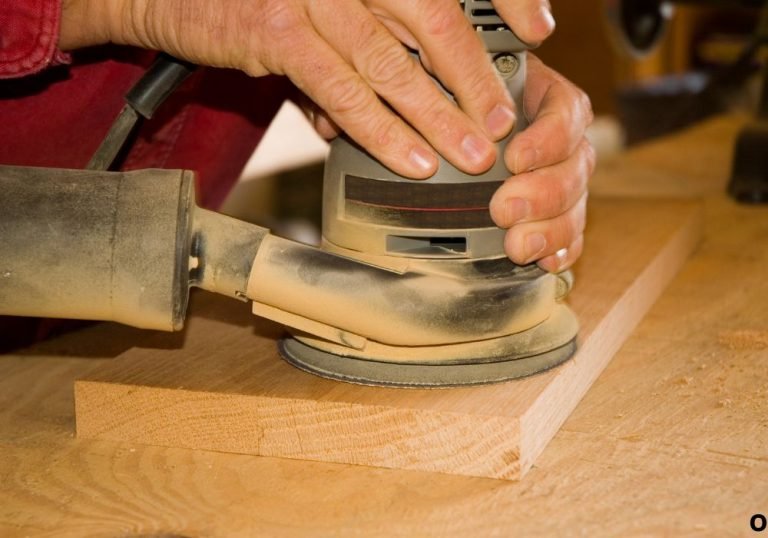
A random orbital sander is one of the most dependable tools in any workshop until it starts slowing down unexpectedly. What once produced smooth, even finishes now feels sluggish, leaving rough patches and incomplete results. That loss of performance can disrupt productivity and cause frustration during detailed work.
Tool experts report that more than a third of power-tool failures occur because of dust buildup or worn-out internal components. When the sander’s motor cannot maintain torque or its airflow is blocked, power begins to fade. Even premium tools are vulnerable to this gradual decline.
The symptoms usually appear slowly. The machine might hesitate under pressure or lose speed halfway through a job. Many users dismiss these signs as normal aging, but they actually reveal that essential components like carbon brushes, bearings, or the commutator need attention. Ignoring them allows minor electrical resistance or friction to become major failures.
Learning how to repair a random orbital sander that loses power saves money, extends the tool’s life, and prevents downtime. With simple cleaning, inspection, and part replacement, you can often restore full strength in less than an hour. This detailed guide explains every step — from diagnosis to prevention — so your sander keeps running like new.
Understanding the Problem: Why the Random Orbital Sander Loses Power
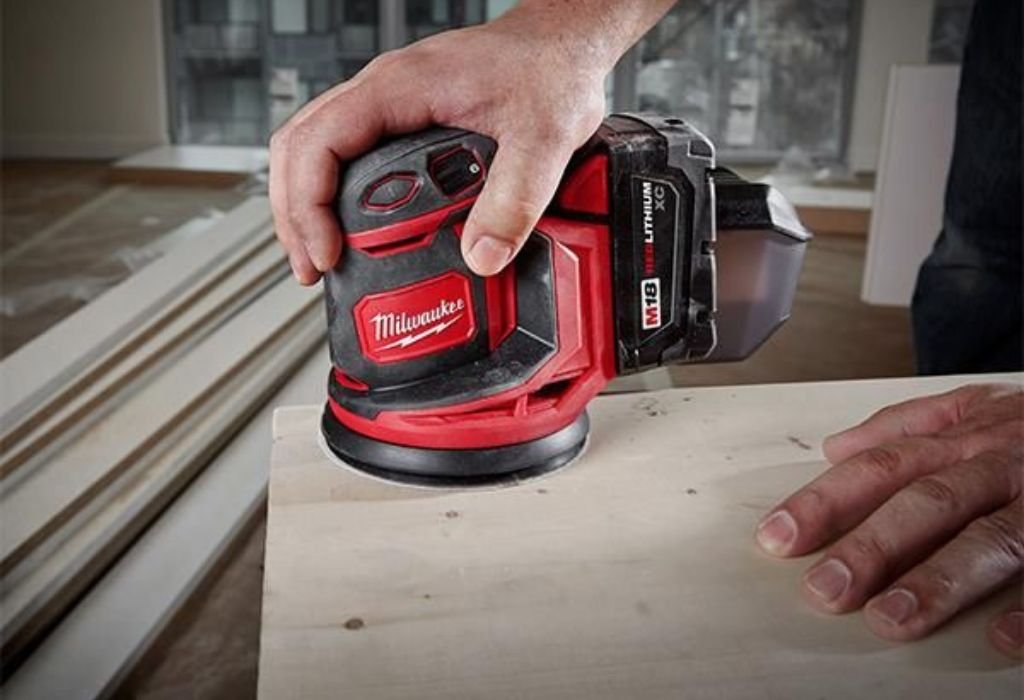
A random orbital sander relies on balanced torque, steady voltage, and smooth oscillation. When power drops, sanding becomes inconsistent and surface quality suffers.
Power loss rarely happens all at once. It often starts as slower rotation, overheating, or stalling under slight pressure. These symptoms point to friction, poor airflow, or worn electrical parts.
Dust is one of the biggest culprits. Fine sawdust collects inside vents and covers cooling fans, trapping heat and straining the motor. Over time, this reduces efficiency and torque output.
Electrical components can also cause trouble. Weak carbon brushes, a dirty commutator, or a corroded switch reduce voltage delivery to the armature. Even small resistance changes can drastically lower RPM.
By understanding these issues early, users can fix problems quickly and avoid full motor replacement.
What does it mean when a random orbital sander loses power?
It means the tool still runs but lacks its normal speed, torque, or consistency during sanding.
Is this the same as motor failure?
No. Power loss means partial function, while total failure prevents startup altogether.
Can dust alone cause power issues?
Yes. Dust buildup increases heat and friction, causing the motor to bog down.
Why does the issue get worse with time?
Friction and electrical resistance grow gradually, leading to slower speeds and heavier strain.
How can recognizing early signs help?
Early inspection allows simple fixes before major internal parts wear out.
Main Causes Behind Power Loss in a Random Orbital Sander
Multiple mechanical and electrical faults can make a sander lose power. Identifying the real cause helps avoid unnecessary repairs.
Worn carbon brushes are among the most common reasons. These brushes transmit current to the armature. When they shorten or become uneven, electrical contact weakens, resulting in lower torque.
A dirty or damaged commutator prevents smooth electrical flow between the brushes and rotor. Pitting, discoloration, or grooves interrupt current transfer, reducing performance.
Bearings that dry out or wear down create drag, forcing the motor to work harder. Increased friction reduces speed and can cause overheating.
Faulty wiring or switches interrupt voltage flow, leading to inconsistent operation. A loose connection or partially broken wire often mimics symptoms of a weak motor.
Finally, an unbalanced sanding pad or worn hook-and-loop surface increases vibration, which loads the motor unevenly.
Why are carbon brushes vital for power output?
They maintain electrical contact between the stationary and rotating parts of the motor.
How does commutator damage cause slowdown?
Uneven or dirty commutator surfaces break electrical contact and reduce efficiency.
Can bearings alone make a sander feel weak?
Yes. Worn bearings increase friction and limit free rotation.
Why do wiring problems resemble motor faults?
Voltage drops from poor connections mimic symptoms of internal wear.
Does the sanding pad condition affect motor performance?
Yes. A warped or clogged pad adds unnecessary load, straining the motor.
Step-by-Step Repair Workflow for a Random Orbital Sander That Loses Power
Repairing a weak sander requires patience, safety, and basic tools. Follow these steps to restore normal function.
Step 1: Unplug and prepare the tool.
Always disconnect power before inspection to prevent accidents.
Step 2: Check the sanding pad and disc.
Look for worn, hardened, or unbalanced pads that increase friction. Replace if needed.
Step 3: Inspect the power cord and switch.
Examine the cable for cracks, cuts, or burn marks. Test the switch by connecting a continuity tester to verify current flow.
Step 4: Open the housing.
Remove screws carefully and expose the internal motor assembly.
Step 5: Examine carbon brushes.
If they are short, chipped, or uneven, replace both at once. Proper contact is essential for consistent torque.
Step 6: Clean the commutator.
Wipe the copper surface with fine sandpaper until it shines evenly. Avoid removing too much material.
Step 7: Check bearings and rotor movement.
Spin the shaft by hand. It should turn freely without scraping or grinding. Replace bearings if movement feels rough.
Step 8: Reassemble and test.
After cleaning and replacing parts, close the housing securely. Run the sander at low speed and gradually apply light pressure to confirm stability.
Routine care like this can increase tool lifespan by more than half and maintain full RPM.
What should be checked first during repair?
Inspect the sanding pad and cord before opening the housing.
How can you tell if brushes are worn out?
Frequent sparking or hesitation under pressure indicates replacement is due.
What does a healthy commutator look like?
It appears smooth, shiny, and evenly colored without dark grooves.
When should bearings be replaced?
Replace them if they feel noisy or resist hand rotation.
Should lubrication be added during reassembly?
Apply only a small amount of oil to moving parts to prevent dust buildup.
Maintenance Tips to Prevent Power Loss in the Future
Regular care prevents most performance problems. Following a maintenance schedule keeps your sander operating efficiently for years.
Clean after every use.
Blow out dust from vents and remove debris from the pad. Accumulated sawdust is the main cause of overheating.
Inspect the brushes frequently.
Replace them before they reach their wear limit. This simple step ensures stable voltage and power.
Keep the pad balanced and clean.
A flat, flexible pad reduces vibration and prevents strain on the motor shaft.
Avoid pressing down too hard.
Let the tool do the work. Excess pressure overheats the motor and damages bearings.
Store in a dry, clean location.
Moisture causes corrosion and electrical resistance inside the switch and windings.
Consistent care drastically reduces repair needs and downtime, keeping performance at full speed.
How often should a sander be cleaned?
After every major use or at least once a month for light projects.
When should brushes be replaced?
Every year of regular operation or when they show visible wear.
Does grit selection affect power usage?
Yes. Using grit that is too fine early in sanding forces the motor to overwork.
Why avoid heavy pressure while sanding?
It restricts motion, overheats components, and weakens torque.
How can good storage habits help?
Dry storage prevents rust and electrical resistance from forming inside the tool.
When to Replace the Sander Instead of Repairing

Even the best maintenance cannot stop wear forever. Some tools eventually become uneconomical to fix.
If your sander suffers from burnt windings, cracked housing, or unavailable parts, replacing it is usually smarter. Extensive motor damage or multiple failed components often exceed half the cost of a new model.
Older sanders without dust control or brushless motors may not perform as efficiently as current versions. Upgrading improves reliability and reduces maintenance frequency.
Repairing remains an environmentally responsible choice, but in some cases, newer models use less energy and last longer, balancing sustainability with performance.
When is repair no longer practical?
When total part replacement costs approach the price of a new sander.
Can minor repairs still be worth doing?
Yes, especially for brushes, cords, or bearings that are inexpensive and easy to replace.
Does tool age affect repair decisions?
Older models may lack available parts, making repair less practical.
Are brushless models better for longevity?
Yes. Brushless designs reduce wear, noise, and power fluctuations.
Why consider environmental impact before replacing?
Repairing reduces waste, but upgrading to efficient models can also save energy long term.
Conclusion
Power loss in a random orbital sander often stems from simple causes rather than complex failures. Worn brushes, dust buildup, or poor electrical connections are the usual culprits.
Knowing how to repair a random orbital sander that loses power helps users restore efficiency, extend lifespan, and avoid unnecessary replacements.
Regular cleaning, correct sanding technique, and timely part replacement keep the tool performing like new. Whether in a professional shop or home garage, a little preventive care ensures the sander keeps producing smooth, reliable finishes every time it’s powered on.

I’m Michael R. Turner, the founder, lead writer, and passionate DIY enthusiast behind 101diytools.com. With years of hands-on experience in home improvement and power tools, I built this platform to share practical tips, in-depth guides, and honest reviews to help DIYers of all skill levels tackle projects with confidence and the right tools.